01
Mana systems
Generate mana with flowers, move it with spreaders and store it in Mana Pools for crafting and functional systems.
A practical guide to Botania features, mana systems, installation, compatibility and troubleshooting for Minecraft Java Edition.
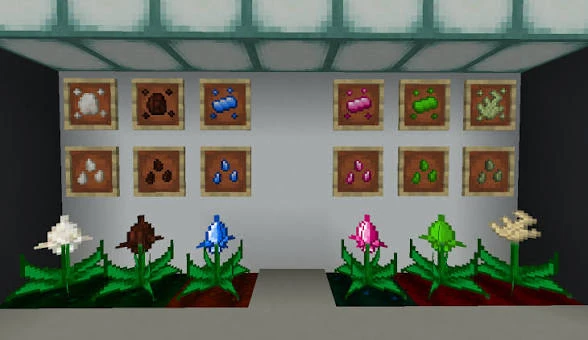
Botania is a tech mod themed around natural magic. Gameplay centers on magical flowers, Mana, in-world devices and automation that you build directly into the Minecraft world.
Use this site for practical planning and setup guidance, then confirm exact recipes and mechanics in the Lexica Botania included with your installed version.
Generate mana with flowers, move it with spreaders and store it in Mana Pools for crafting and functional systems.
Use specialized flowers for utility and automation tasks that interact with the world around them.
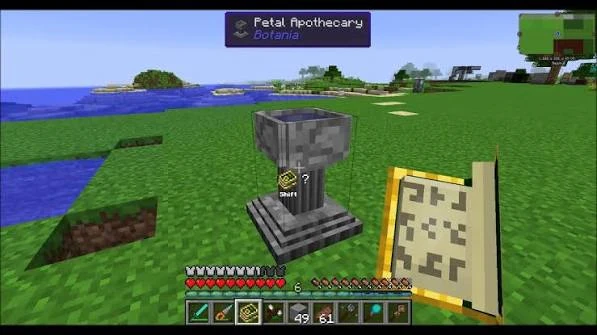
Progress through the Petal Apothecary, mana infusion, runes and other dedicated in-world crafting systems.
Build visible systems with redstone, item movement and Botania devices instead of conventional pipes and machine GUIs.
Choose a Botania build intended for your Minecraft version and supported mod loader.
Learn basic flower collection and the Petal Apothecary flow before moving to mana systems.
Add generation, storage and functional flowers as you understand each mechanic.
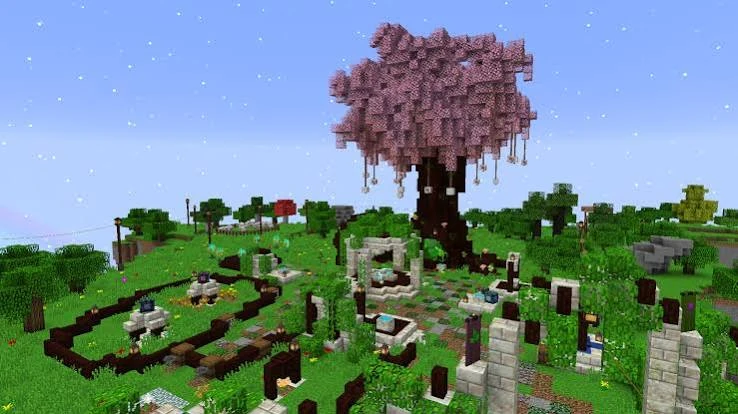
Blend visually rich builds with real progression systems.
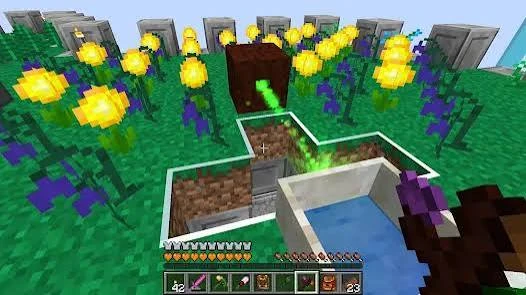
Design mana and flower setups that solve practical survival tasks.
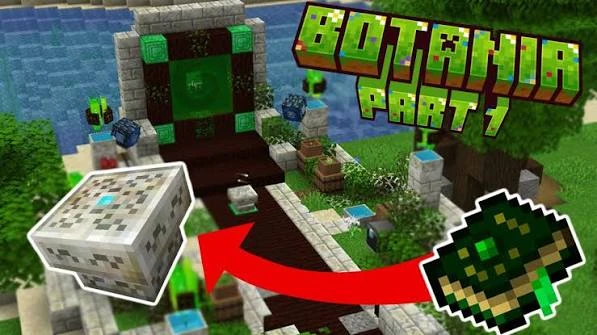
Move from early crafting into more advanced structures and resources.
Choose a compiled Botania release that explicitly matches your Minecraft version and mod loader, then install every dependency listed for that exact release.
Click below to download the Botania 1.20.x ZIP instantly.
Download Botania Mod
Botania builds are version- and loader-specific. Check the official release label and dependency list instead of assuming one file works across Minecraft versions or loaders.
View Download OptionsCheck Minecraft, Botania, loader and dependency versions together.
Test Botania in a clean profile, then add other mods back gradually.
Modpacks can alter recipes. Compare against the pack’s own documentation and configuration.
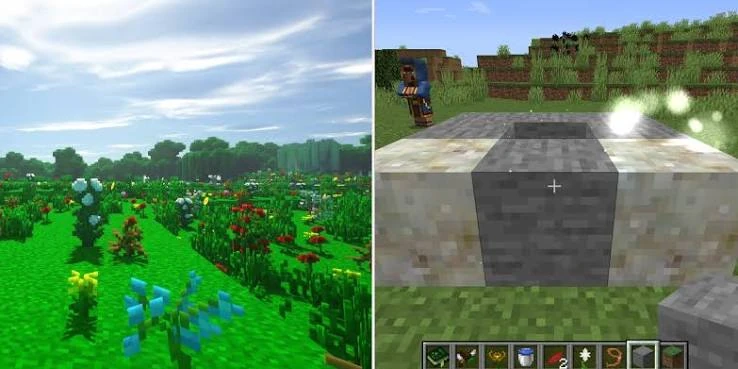
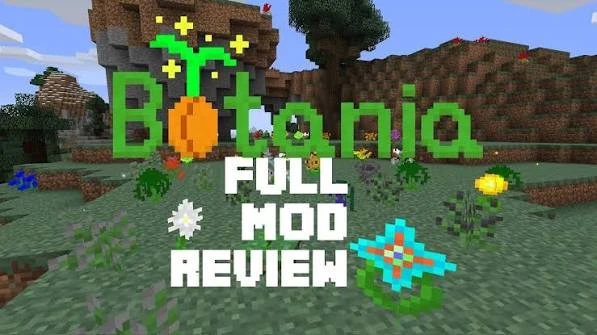
Botania is a Minecraft mod centered on flowers, mana-based systems, functional blocks and progression built around natural resources rather than conventional machine-heavy automation.
Yes. Its systems are presented through magical botany, mana generation, functional flora, runes, devices and progression mechanics.
The download button starts the Botania 1.20.x ZIP archive download using the direct archive URL configured for this website.
No. This is an informational Botania Mod website with guides, setup help, compatibility notes and troubleshooting content.
Modpack use depends on the mod license, loader version and pack configuration. Review the relevant project license and distribution terms before publishing a pack.
Functional flowers are Botania blocks that perform tasks when supplied with the resources or conditions their mechanics require.
Mana powers many Botania systems and is central to progression, crafting and operating functional devices.
It is an early crafting device associated with creating flowers and progressing through core Botania recipes.
Botania includes progression mechanics involving portal-style structures and related resources. Exact requirements can vary by version.
Yes, it is commonly played as a progression-focused survival mod, especially when paired with a compatible Minecraft version and mod loader.
Use the Minecraft version and mod loader that match your chosen Botania build, then place the mod file and required dependencies in the appropriate mods folder. Always confirm version compatibility first.
Compatibility depends on the specific Botania release and Minecraft version. Check the loader requirement of the exact build you intend to use instead of assuming cross-loader compatibility.
Match the Botania build, Minecraft version, loader and required dependencies carefully. Do not use a file intended for a different version or loader.
No. Botania releases are tied to specific Minecraft versions and loaders. Choose the exact release intended for your profile.
Common causes include a mismatched Minecraft version, incompatible loader, missing dependency, conflicting mods or an incorrect Java/runtime setup.
Check whether the mod loaded correctly, whether dependencies are present, and whether your version or modpack changes recipes through data packs or scripting tools.
Java Edition mods are not directly interchangeable with Bedrock add-ons. Treat Bedrock content as a separate ecosystem and confirm that any Bedrock-specific project is actually designed for that edition.
Use a stable connection, keep the downloaded archive or mod file unmodified, and verify that your browser or antivirus did not interrupt the transfer.
Keep your mod list compatible, avoid excessive always-active automation, allocate sensible memory and use performance settings that match your hardware and Minecraft version.
Confirm Minecraft version, loader, dependency versions and your Botania build first. Then test in a clean profile before reintroducing other mods one by one.